For nonprofit teams
Update the shelf from your phone.
Fewer arrivals with things you cannot use. Tell neighbors what fits on your shelves today, then get back to the people in front of you.
See the text update
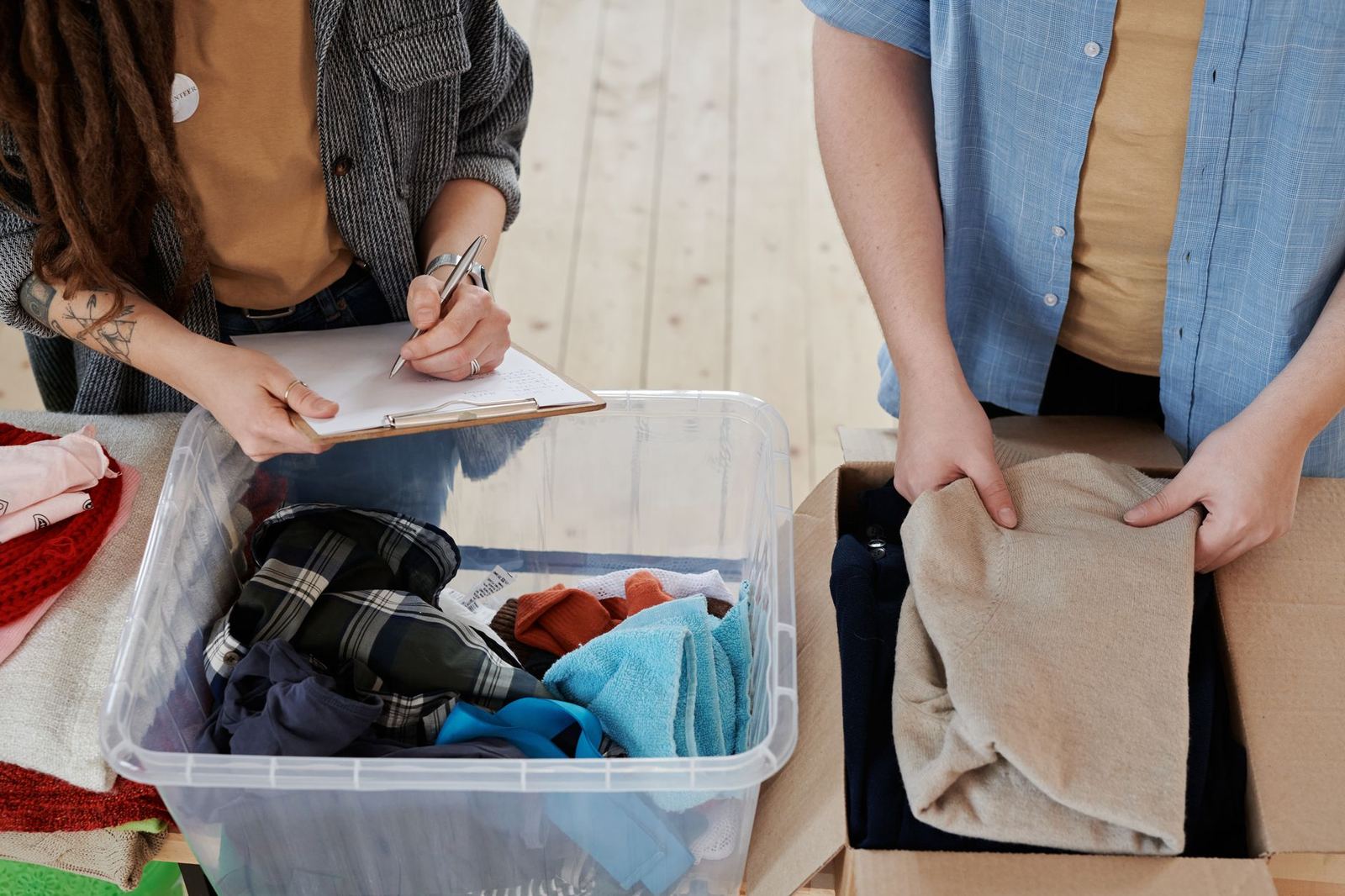

One reply changes the conversation at the door.
A quick text can save a long conversation at the door. If coats are full and diapers are low, say so once and let the board tell the next neighbor.
Reply to the text
Send FULL COATS or NEED DIAPERS from any phone. The reply updates your listing.
Or snap the shelf
Send a shelf photo if that is easier. Check the suggested wording before it goes on your listing.
It clears itself
Set a date for the next check. You can send another reply whenever the shelf changes.
Set up in ten minutes.
Put the details people ask for at the door in one place. Your coalition can help with the first listing.
- Receiving address and drop-off hours
- Categories you can take
- Phone number for text updates
- Person who confirms changes


Make room for useful arrivals.
When the coat rack is full, mark coats Full. When diapers run low, mark them Low. Neighbors see the current answer before they drive over, and your team spends less time redirecting a bag at the door.
The listing also shows when it was checked, so people know when to call before making a trip.
Free for member nonprofits.
A coalition sponsor covers the shared board and setup.
Your team keeps its listing current with a text from the phone it already uses.
Next step
Give your team a clearer answer.
Ask your coalition lead to add your receiving hours and first needs to the board.